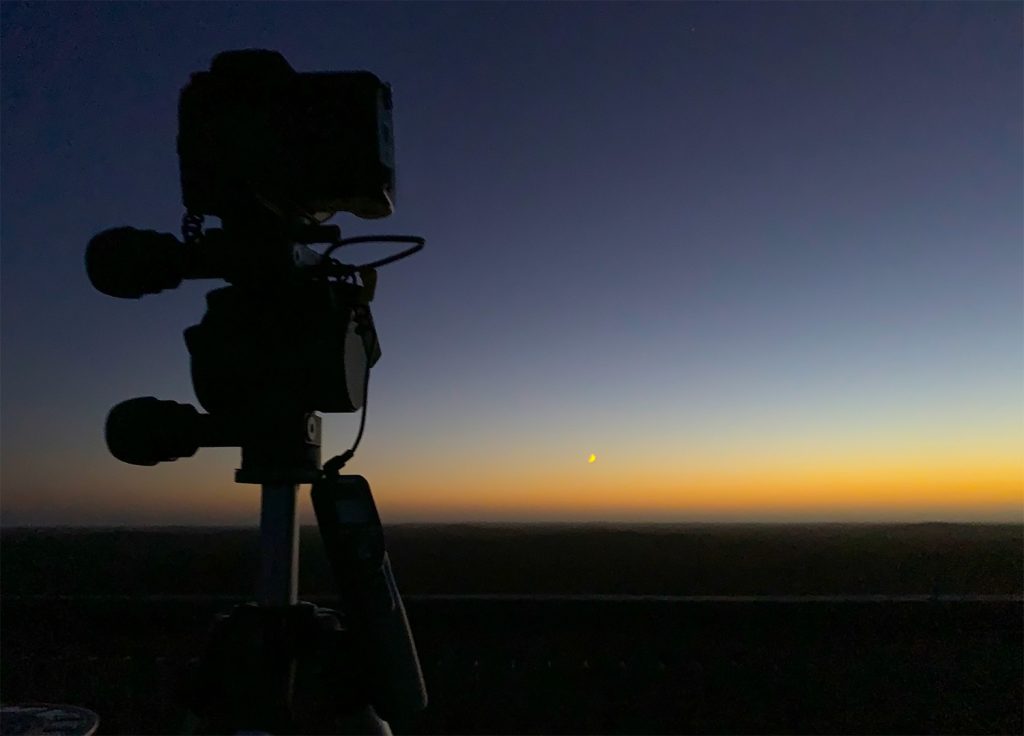
I was concerned with dew settling on my lens, but because the camera was nearly horizontal, it didn’t become a problem. The sky brightened faster than I expected, and I eventually got about 10 minutes worth of exposures. Looking at the back of the camera, I wasn’t optimistic, but I got 45 images, and eventually made a stack of 40, rejecting 5 (there are a LOT of satellites around at that time of day). You can see the image at the top of the page.
Have a close look at the stars in the final image. They’re drifting, but not up and to the left, just up. That’s because I’ve stacked the exposures on the comet, rather than the stars. Comets move remarkably fast, and this is what it did in the 10 minutes I was exposing for.
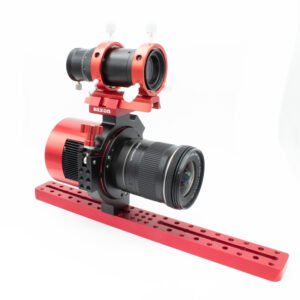
You’ll also notice that I really did need that 50mm lens. The tail is simply enormous!
The Benro Polaris – what I learned
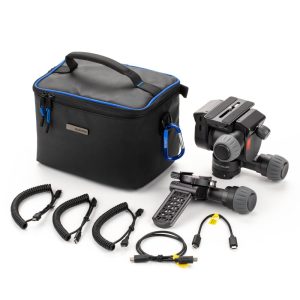
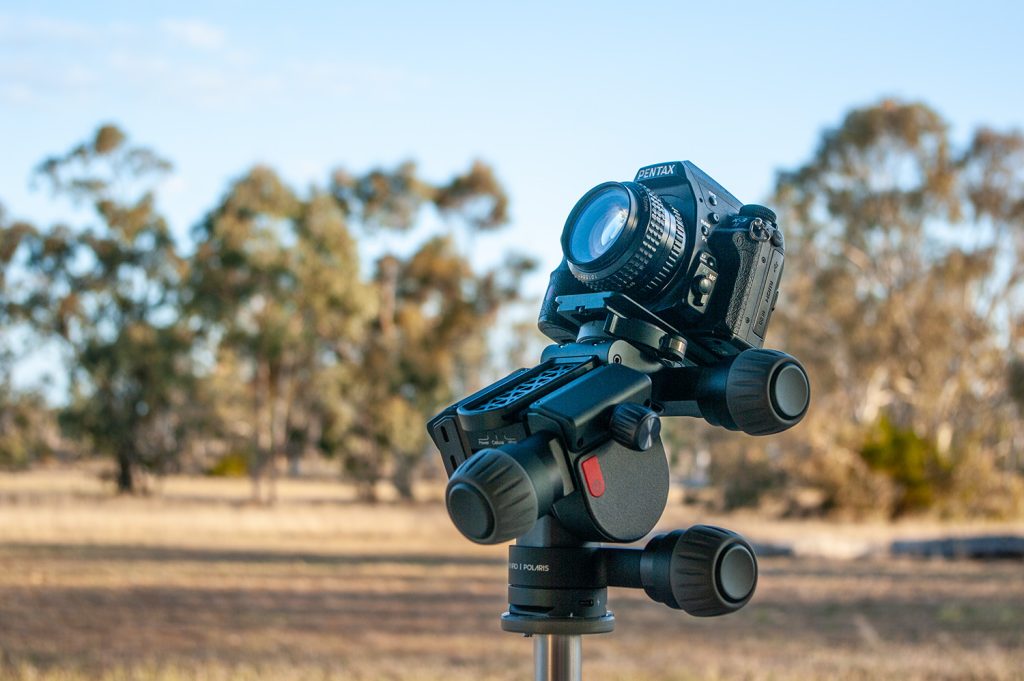
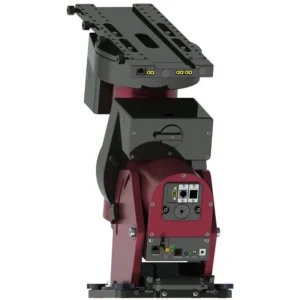
This is a bit of kit I think I could fall in love with. The Benro Polaris is a completely new type of tracker. If I was forced to describe it, I’d say it’s a go-to alt-azimuth mount with a built-in derotator. Its big advantage – and it is a huge advantage – is that you don’t need to polar align.
Traditional trackers like the iOptron Sky Tracker, Vixen Polarie or Sky-Watcher Star Adventurer have to have one axis pointed very accurately at the Celestial Pole. In the Northern Hemisphere, this isn’t too much of a trial because there’s a bright star close by. Here in the South, though, this is a time-consuming and fiddly process. In light-polluted areas, it’s nearly impossible and utterly impractical
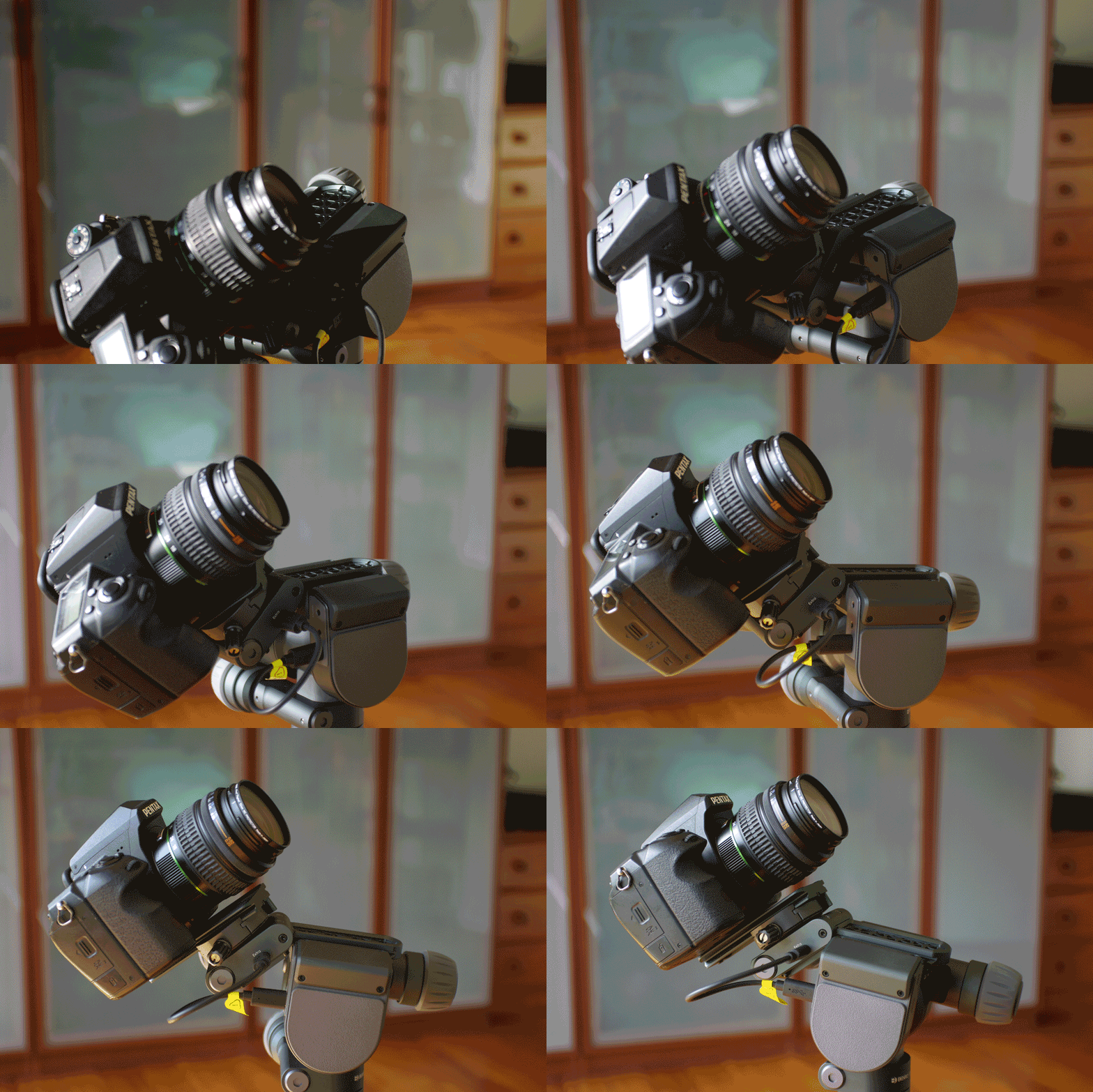
The Benro Polaris gets around this problem completely. It doesn’t need to be polar aligned. Because it’s essentially an alt-az tracker, all it needs to know is that it’s level, and the direction it’s pointing at the start. The computer and stepper motors – particularly that third one – take care of the rest.
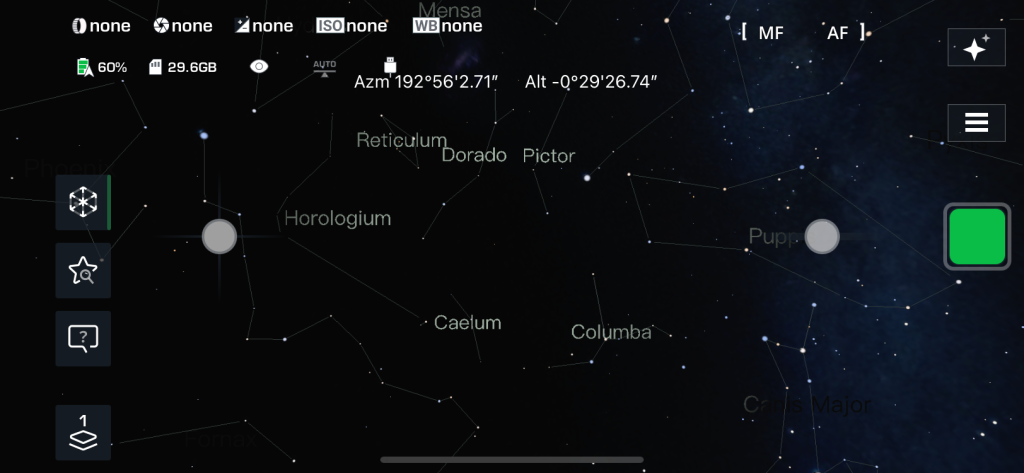
The phone app
The phone app that comes with the Polaris is different to apps I’ve used before. I suspect it was created by a photographer who isn’t primarily an astrophotographer. Nothing wrong with that, of course. It just took a bit of getting used to.
I found that I had to disable mobile data on my phone in order for the app to work. I’ve no real understanding of why this should be. Because of this, it’s never notified me of a firmware update – I don’t think there’s any way of this information getting through. That hasn’t been a problem yet.
Recently, the Polaris app has been updated to a new one called “Polaris Connect”. Once you get past the first screen or two, it’s very similar. The added functionality is mostly for other Benro products.
Things to watch out for
Together, the Polaris and your camera weigh a couple of kilos, depending on your lens. As it’s a movable head, your camera and lens could find themselves on one side of the stance of the tripod. The risk here is that a heavy camera might actually overbalance a tripod with a narrow base and fall to the ground. If you can widen your tripod’s legs, I’d definitely recommend it.
I found it hard to pick up the Polaris without inadvertently touching the on-off button. More than once I had it turn on (or more often, off) in my hand. If it’s off, but in its folded-out position, picking it up can trigger it to come alive and fold itself up, which is surprising and disconcerting.
The little clamp that secures the camera to the Astro kit takes a bit of getting used to, and seems to jam. I nearly had the camera fall off at one point, as I thought it was fully tightened. I’ve learned to close the clamp first, give it a wiggle, then tighten the knob.
To “fold” the Polaris, you have to turn it off, then press and hold the on-off button. However, it’s best to remove it from the tripod head before you do. If your tripod head is at all wide, the altitude wheel can run into the tripod head.
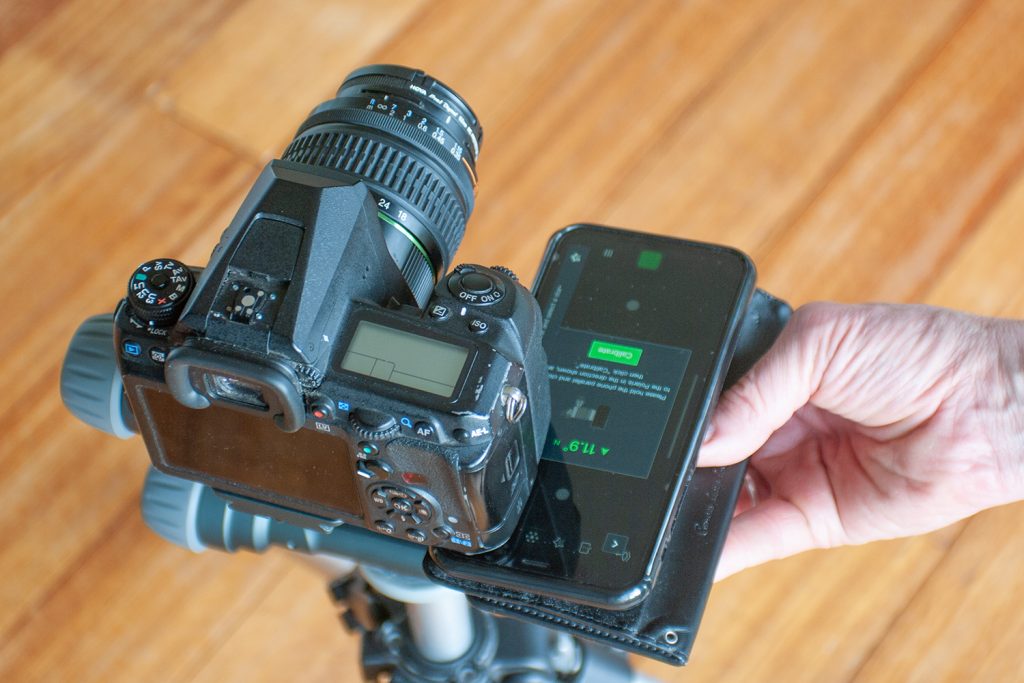
Calibration is just plain weird. You have to hold your phone the wrong way around, so the azimuth displayed on the app reads the opposite to the azimuth your camera is pointed at.